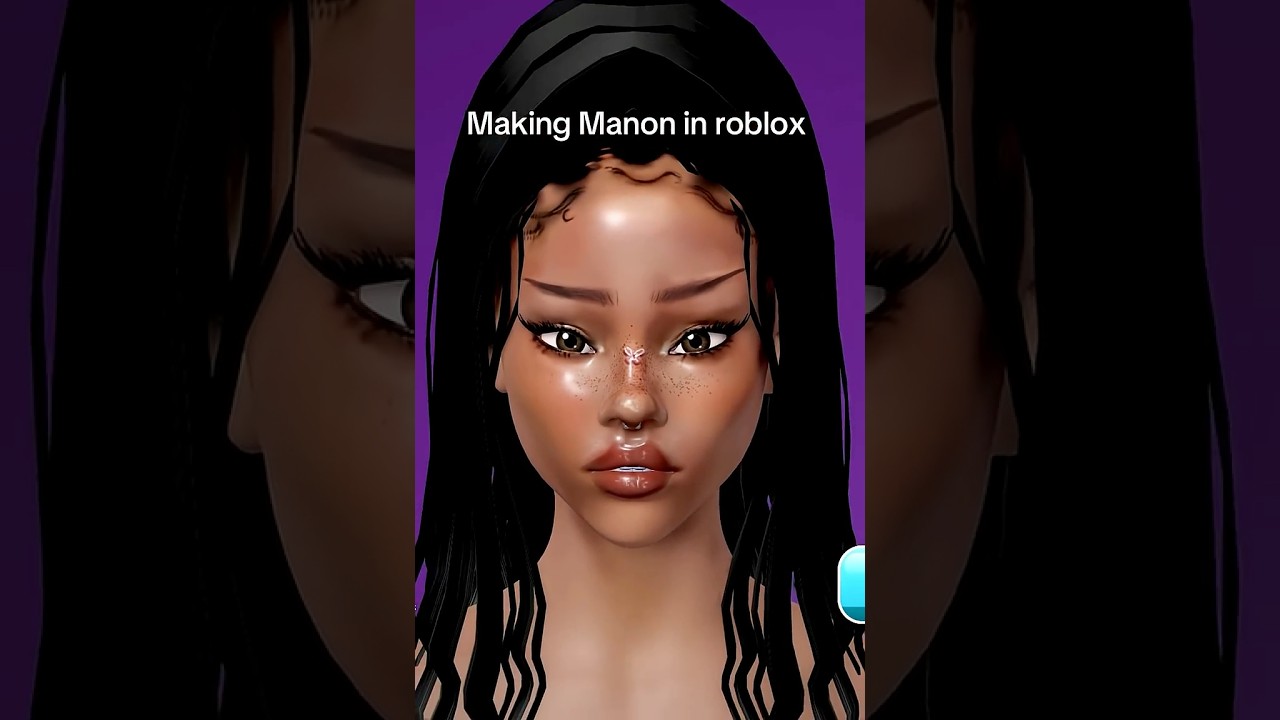
Showdown rounds in Facecard: Makeup Showdown end with the other lobby players voting for the best makeup look, and the in-game prompt is the literal "Vote for the best makeup look" shown on the game's description. Voters score submissions on four explicit levers — spatial placement, color harmony, striking visual contrast, and precise cosmetic application — so the fastest way to win Facecard Showdown votes is to design every layer against those four levers before submitting.
More context
This page turns the four voting tips into a workable build order. The order matters because each layer downstream depends on what the previous layer locked in.
On this page
The four voting levers
Spatial placement
Where each cosmetic layer sits on the avatar (head base, lash, rhinestone, contour placement).
Best for: Looks where everything lands cleanly within the facecard canvas score better than looks with floating or off-axis elements.
Color harmony
Matching palettes between skin, base, lashes, rhinestones and hair.
Best for: A coherent palette reads stronger than a randomly assembled mix.
Striking visual contrast
Bold pairings of light / dark, glossy / matte, or muted / saturated.
Best for: Reads as "LETHAL" and tends to dominate votes. Flat single-tone looks rarely win.
Precise cosmetic application
Clean brush edges and unblurred layering.
Best for: The "layered heavy makeup" style that the developer celebrates wins more votes than a minimal look.
Build order to win Facecard Showdown votes
Pick the head base to lock the canvas
Choose a head base whose proportions support a bold focal point (cheekbones, lips, eyes). Head bases set where contour and rhinestones can land; the wrong base forces weak placement no matter how good the cosmetics are.
Done when: Head base supports a clear focal point.
Stack layers up to the Increased Layer Limit
Heavy layering visibly separates winning looks from default ones. Use the Increased Layer Limit Game Pass (129 Robux) if you habitually push past the default cap.
Done when: Heavy layer stack visible before cosmetic placement.
Define contour first, then blend
Use the detailed contour brushes to sculpt cheekbones, nose and jaw, then soften the edge with a general brush so no harsh line shows before voting starts. See the Brushes & Tools guide for the full brush workflow.
Done when: No visible harsh contour edge before voting.
Match hair to the base palette
Pick a hairstyle whose colour interacts with the head base and brushwork palette. Clean, single-tone hair paired with a high-contrast lash stacks "contrast" as a voting lever. Flat, washed-out hair paired with a flat base will not read as striking.
Done when: Hair colour locks the contrast lever.
Lean on lashes for contrast
Use thick or long lash styles when the rest of the look is muted, and thinner lashes only when another element (a heavy rhinestone cluster, strong contour) is already the focal point. Mixing lash style with lash placement (inner-corner / outer-corner accents) is what makes "spatial placement" voting-ready.
Done when: Lash style matches the rest of the look's focal point.
Anchor rhinestones as a single focal point
Use rhinestones sparingly — centralise them on the cheekbone, brow or lip rather than scattering randomly. Centralised placement scores higher than scattered placement; matching rhinestone hue to the hair / lash palette scores higher than clashing hues.
Done when: One centralised cluster, hue-matched.
Submit before the timer expires
Voters down-rank timer-cooked submissions. Submit with at least one strong focal point (lash + rhinestone combination, or sculpted contour) rather than a busy-but-unfocused look.
Done when: Submitted with a single strong focal point.
Winning playbook with Game Passes
The four voting levers decide placement; the Game Passes decide whether you have the tools and templates to hit those levers consistently. Pair them this way:
- Increased Layer Limit (129 Robux). Removes the default layer cap so you can stack the heavy layered look voters score highest on. The pass pays for itself once your Showdown template habitually pushes past the default ceiling.
- Increased Lookbook Slots 2x (199 Robux). Save winning templates built around the four levers and switch between them across rounds instead of rebuilding from scratch under the timer. Re-using a template that already won is the cheapest way to keep your vote total up.
- 2x Facecard Cashback (199 Robux). Doubles the in-game cashback on spending, so every Robux you put into cosmetics funds the next round at half the effective cost. Pair this with active spending on cosmetics.
- VIP (399 Robux). Bundles all three utility passes for less than the sum of their individual prices (527 Robux total). Worth it once you are committed to two or more; skip it if you only need one perk.
The combined cost of the three smaller passes is 527 Robux vs. VIP at 399 Robux, so anyone committed to two or more passes saves money by going VIP. If only one perk matters, the individual pass is the cheaper minimum.
Vote rigging ("teamers") is a known issue across Roblox makeover titles; treat voting outcomes as community-dependent, not deterministic. The four levers above maximise the share of the lobby that votes for your look, but they do not guarantee a 1st-place finish in a stacked lobby. See the Brushes & Tools guide for the brush-by-brush workflow that puts the four levers into practice.
From the four levers to the brush workflow
Vote rigging ("teamers") is a known issue across Roblox makeover titles; treat voting outcomes as community-dependent, not deterministic. The four levers above maximise the share of the lobby that votes for your look, but they do not guarantee a 1st-place finish in a stacked lobby. See the Brushes & Tools guide for the brush-by-brush workflow that puts the four levers into practice.